
Webflow websites and Shopify stores
I started my career in marketing and with websites. To this day I've built, maintained and refreshed websites and web-apps on a regular basis. I've done my rounds of tools and builders and chosen Webflow and Shopify.
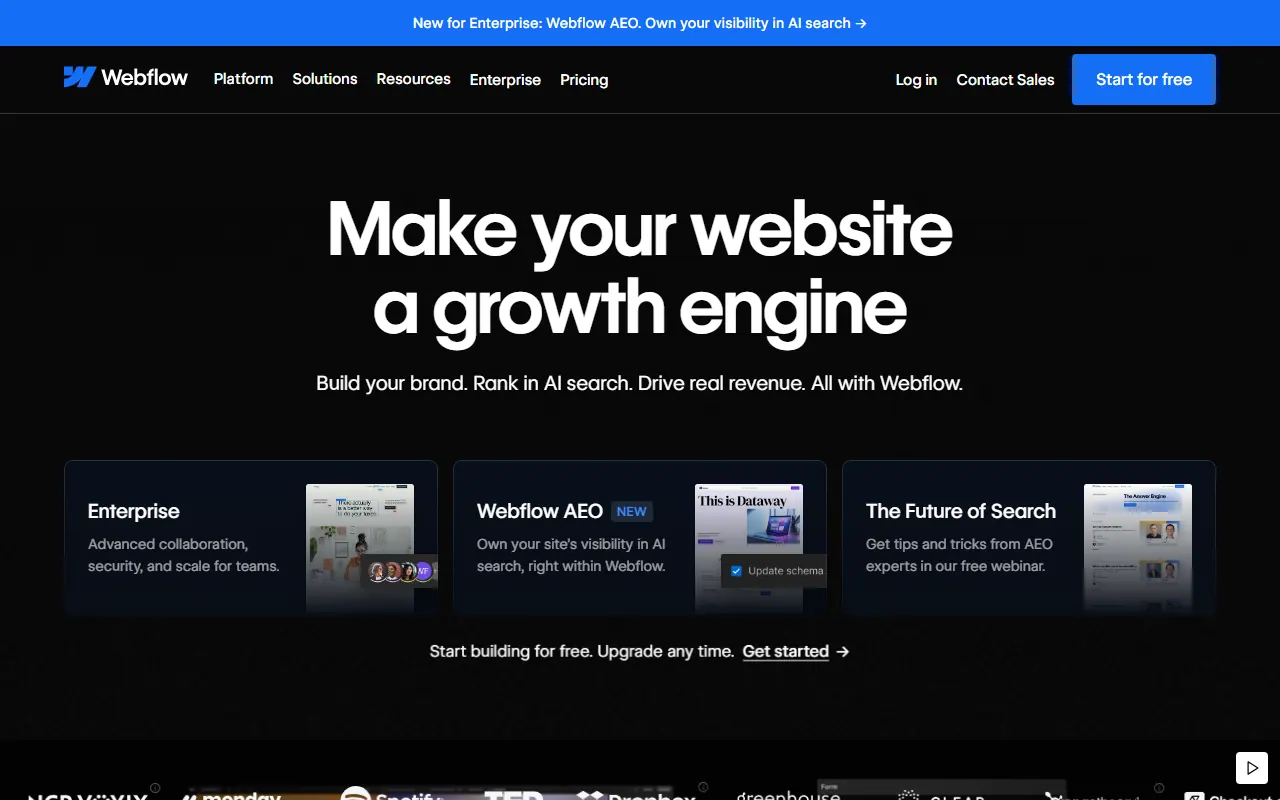
Building in Webflow.
-
CMS collections
Structured content types for blog posts, case studies, team pages, and similar content.
-
Visual editor
A visual canvas for page layout, copy, images, and responsive breakpoints.
-
Built-in forms
Native contact and lead forms with routing to email or CRM tools.
-
Localization
Multiple locales and translated pages within one Webflow project.
-
Hosting
Managed Webflow hosting with SSL and CDN.
-
Zapier and Make
Integrations for form submissions, CMS events, and other automations.
-
Components
Reusable symbols for navigation, footer, CTAs, and other repeated blocks.
Building in Shopify.

-
Online store
Product pages, collections, cart, and checkout built for selling. The whole purchase flow in one platform.
-
Payments
Shopify Payments and common gateways handle checkout without a custom payment build.
-
Orders and inventory
Stock, orders, and fulfillment in one admin. Less spreadsheet juggling around launch season.
-
Themes
Custom theme work or a refresh on an existing theme. Layout and brand without rebuilding the store from scratch.
-
Sidekick
Shopify's AI assistant, built into the admin. Ask about store data, draft product copy, create discounts, and handle admin tasks in plain language.
-
Apps
Reviews, shipping, email, and other add-ons through the Shopify app store beyond the default theme setup.
Some website projects

kursi.ai
Webflow

Neoled
Webflow
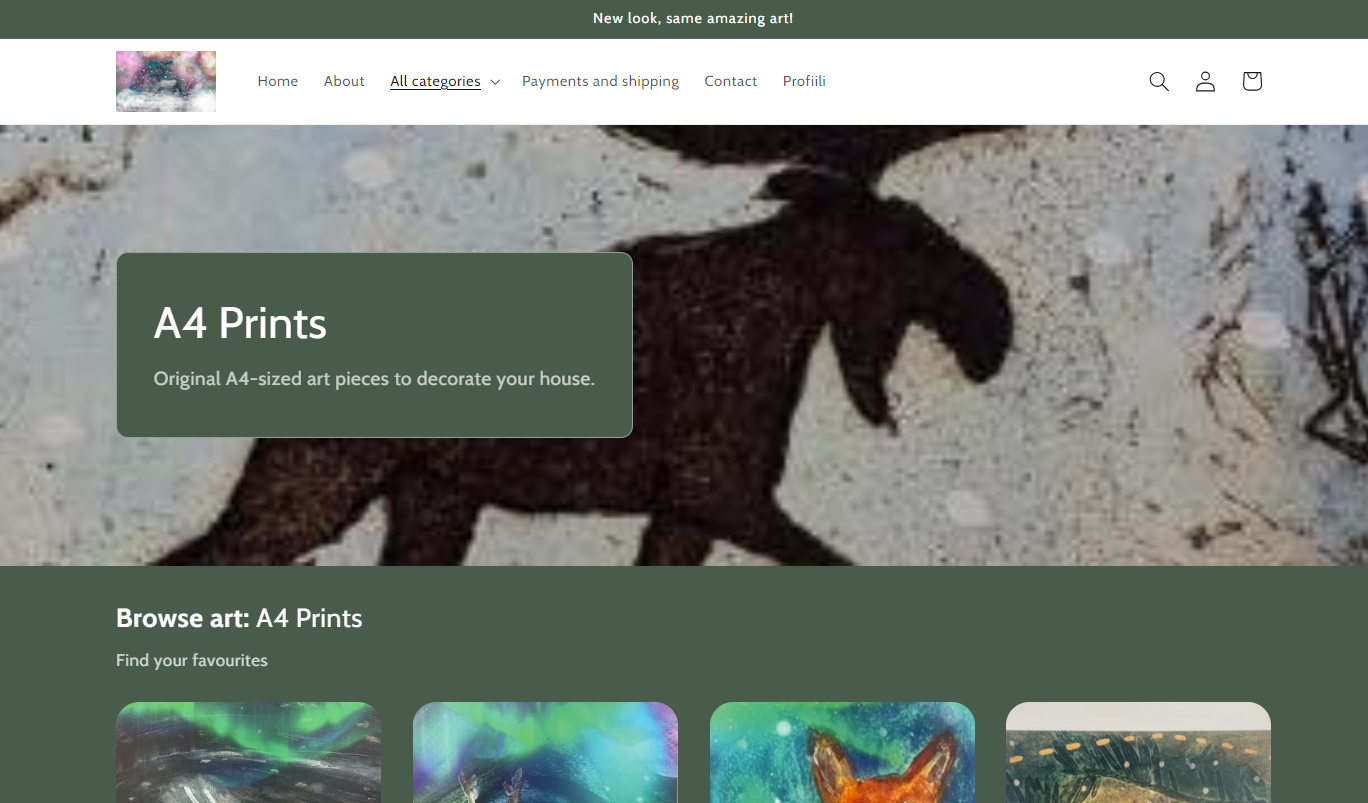
Maarit Kontiainen
Shopify

tasodrums.com
Webflow
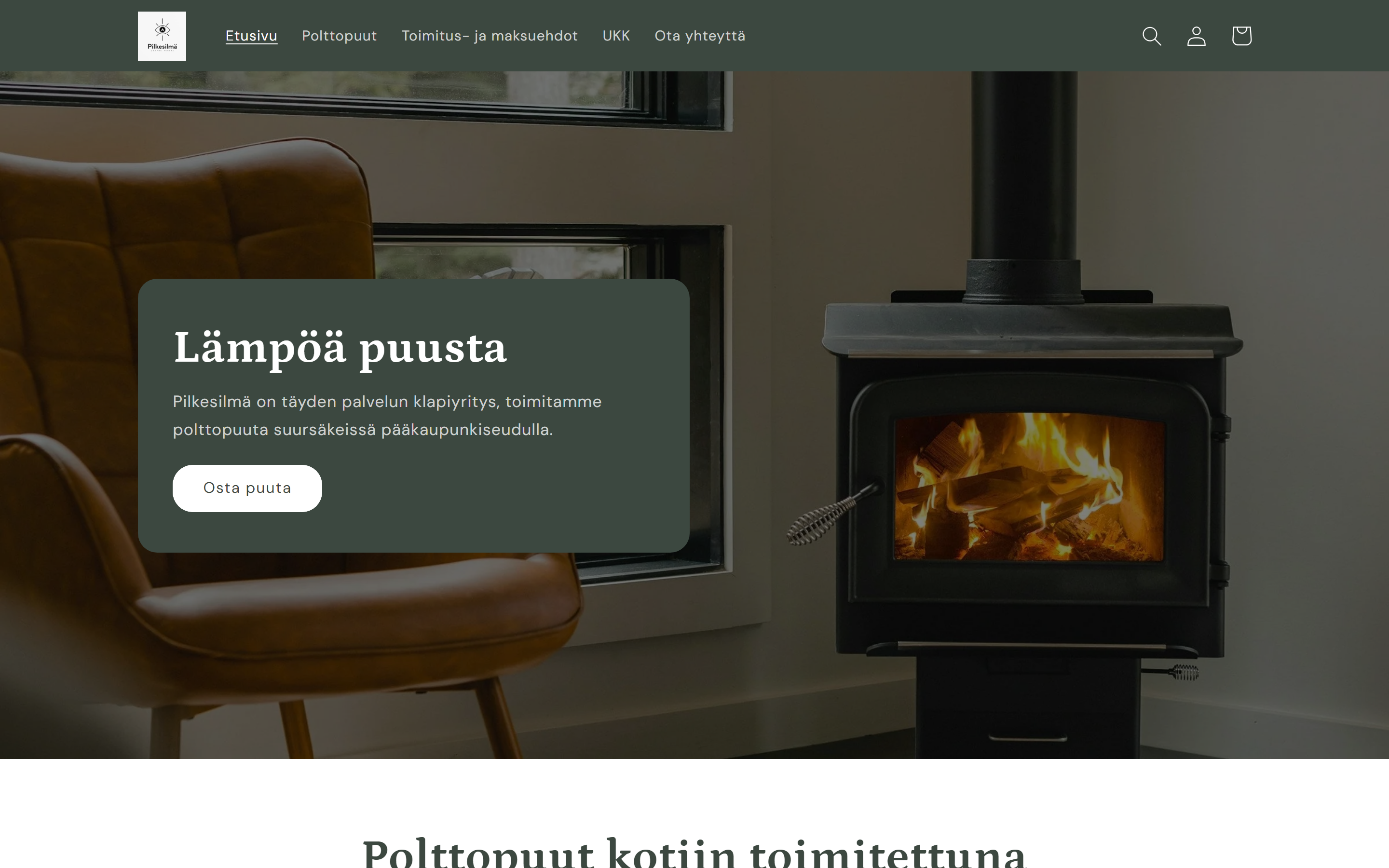
Pilkesilmä
Shopify
EATFinland
Shopify
Working together
What I can help with
- Workshops
- UI/UX
- Project lead
- Webflow
- Shopify
- Cursor & Lovable